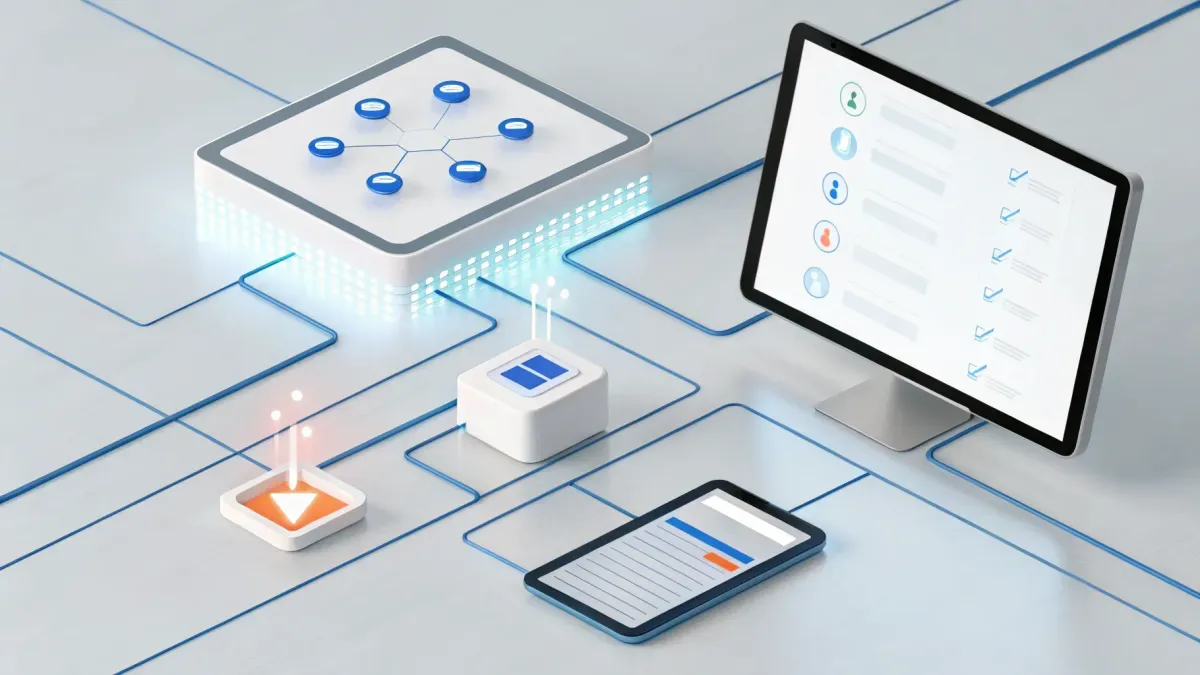
How To Enhance Your SocialBlastPRO Automation with Form Integration

Table of Contents
⚡ Why connecting your form to SocialBlastPRO matters
We want every lead to trigger an action instantly. When a prospect fills out a form, that should kick off follow ups, tasks, contact updates, and notifications — automatically. By integrating your form with SocialBlastPRO, we eliminate manual handoffs and speed up response time, turning inquiries into booked customers.
🛠️ What we need before we start
Make sure we are working in the right account level inside SocialBlastPRO (usually the client or sub-account where the data should live). Also log into the form provider and any third-party apps we plan to use for actions, such as a project manager or document tool. Finally, confirm we have the right permissions to create automations and connect integrations.
🚀 Build a basic workflow: new form entry → automated actions
Here’s a simple, high-impact workflow we can create in minutes:
Create a workflow in SocialBlastPRO and choose to start from scratch.
Add a trigger and pick the option for a new form entry from your form platform. This tells SocialBlastPRO to fire the workflow whenever a new response arrives.
Connect the form integration if it’s not already authorized. Log into the form provider when prompted and accept the connection so SocialBlastPRO can read new entries.
Choose actions to run after the trigger. Common actions include:
Create a task in your project manager to assign follow up work.
Update the contact record in the CRM to mark the lead status or add tags.
Send an internal notification via email, SMS, or chat so the team knows a new lead arrived.
Configure fields so the task name, description, assignee, and priority reflect the form answers. Map contact fields to avoid double entry.
Save and publish the workflow so it runs automatically.
This flow assures that every incoming form response becomes visible and actionable without delay.
🔁 Example actions and mapping tips
When configuring actions, we recommend these mapping best practices:
Map key fields first — name, email, phone, service requested, and lead source. These are the minimum to qualify and route leads.
Use tags and lifecycle fields to segment leads instantly (for example, tag as new-lead, quote-request, or existing-customer).
Set task owners and SLAs so nothing falls through the cracks. Include due dates and priorities based on the form answer urgency.
Add an internal confirmation to the workflow so staff get an email or SMS summary immediately after form submission.
⚙️ Advanced flow: pipeline change triggers a form lookup
We can also build smarter automations that react to CRM events. One useful pattern is:
Trigger the workflow when a pipeline stage changes.
Search responses in the connected form for matching data (for example, look up a form response by email or order ID).
If a response is found, create a document or record in the project manager with the collected answers for the team to review.
If no response is found, duplicate an existing form template so we can capture the missing information automatically and notify the team.
Always include internal notifications for both branches so action is clear.
This pattern helps us close data gaps, keep records synchronized, and ensure the right collateral or follow up is created when a deal moves through your pipeline.
💡 Practical tips to avoid common pitfalls
Authenticate accounts before building to prevent broken triggers.
Use small test submissions to verify field mapping and notification routing.
Limit response fetches when searching forms — set sensible maximums and date ranges to avoid performance issues.
Document your workflow logic inside SocialBlastPRO so the team understands when and why automations fire.
Schedule periodic audits to dedupe contacts and verify automation accuracy.
🔒 Security and privacy reminders
Always follow data protection best practices when syncing form answers into your CRM. Only collect necessary information, mask or encrypt sensitive fields where possible, and ensure users have consented to communications before we trigger outreach automations.
📈 How this integration boosts results
By connecting forms to SocialBlastPRO we achieve faster response times, cleaner data, and reliable follow up. The net result is more booked appointments, fewer missed leads, and a predictable workflow that scales. We turn form submissions into measurable actions instead of letting them sit in an inbox.
🔍 Troubleshooting checklist
Trigger not firing: confirm the integration is authorized and the correct form is selected.
Fields not mapping: verify field IDs match and that required fields are present in both systems.
Too many duplicates: add dedupe logic by matching on email or phone before creating new contacts.
Notifications not sending: check notification settings and the sending user or email reputation.
📚 Helpful workflows to build next
Once basic form-triggered workflows are reliable, we can expand with:
AI-driven qualification sequences that text or email leads immediately and book appointments automatically.
Post-appointment review requests sent via SMS to boost online reputation.
Automated nurture campaigns for leads marked as not-ready-yet.
Ad attribution tagging so every form submission is tied back to its ad or landing page.
❓FAQ
Can we connect any form provider to SocialBlastPRO?
Most modern form providers that support API or OAuth authorization can be connected. If direct integration is unavailable, we can often use webhook forwarding or a middleware tool to bridge the data into SocialBlastPRO.
What happens if a form response is missing key fields?
We recommend adding validation rules on the form to require essential fields. In workflows, add conditional steps that either prompt the team to collect missing info or automatically send a follow up form to the submitter.
How do we prevent duplicate contacts when forms are submitted multiple times?
Use a dedupe step in the workflow that searches for existing contacts by email or phone before creating new records. If a match is found, update the existing record instead of creating another.
Can we notify multiple team members when a form submission arrives?
Yes. Workflows can send notifications to multiple recipients via email, SMS, or internal messages, and can also create tasks assigned to teams or specific users.
